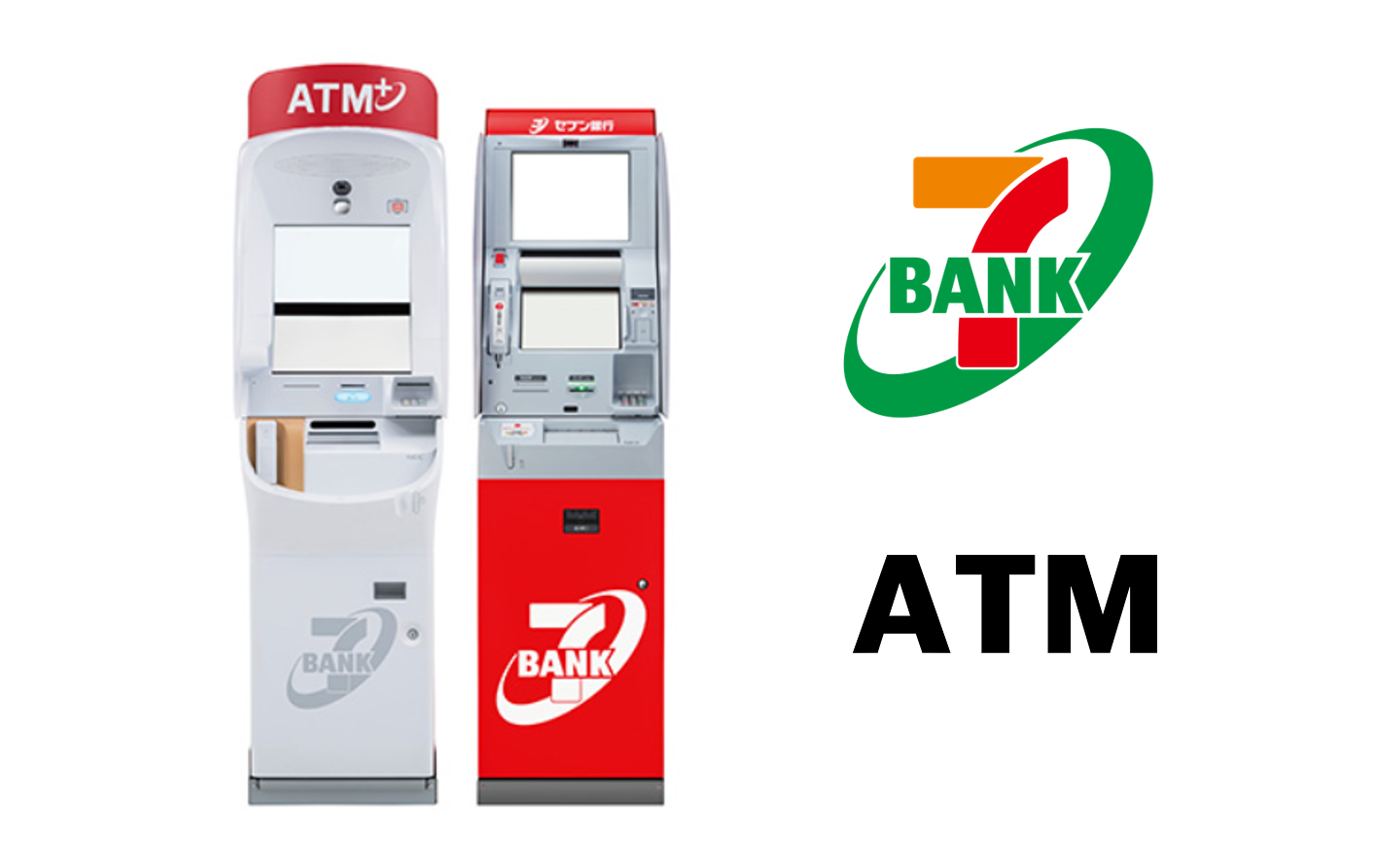
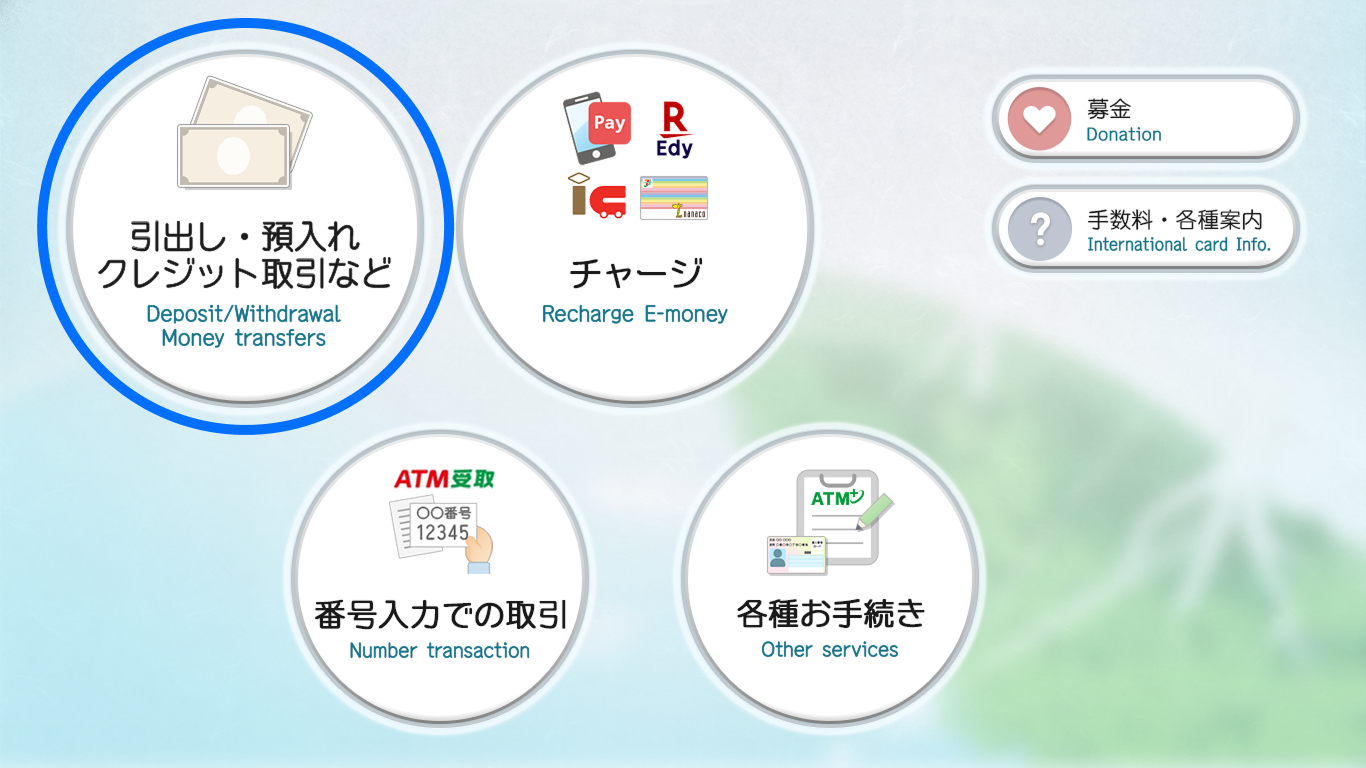
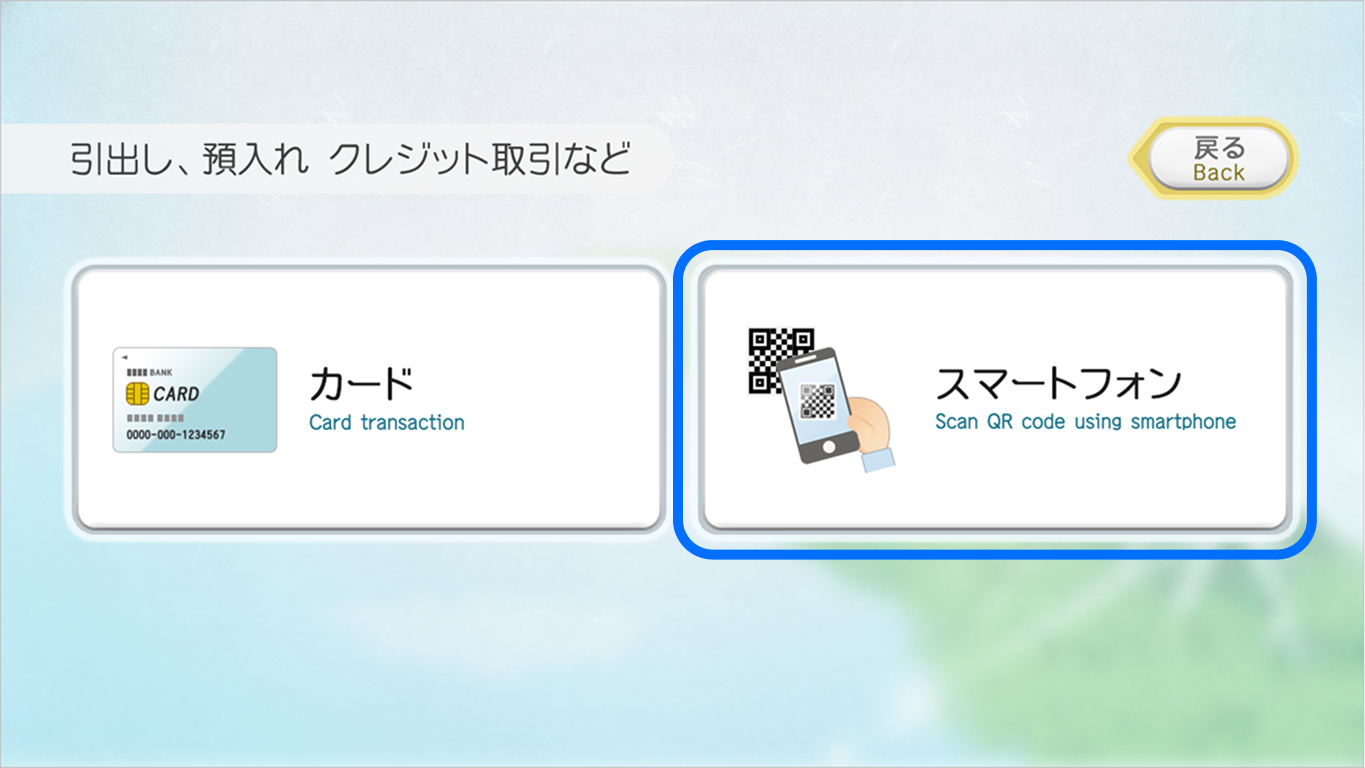
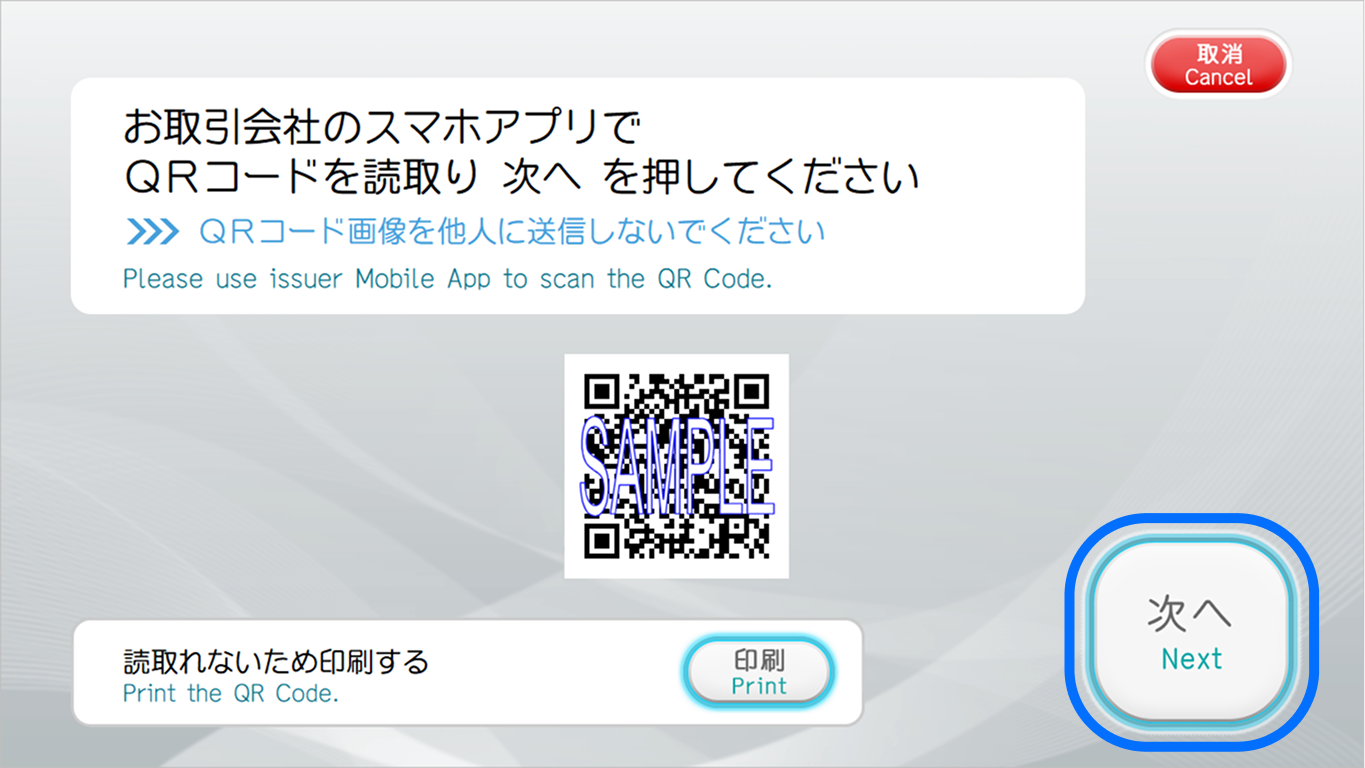
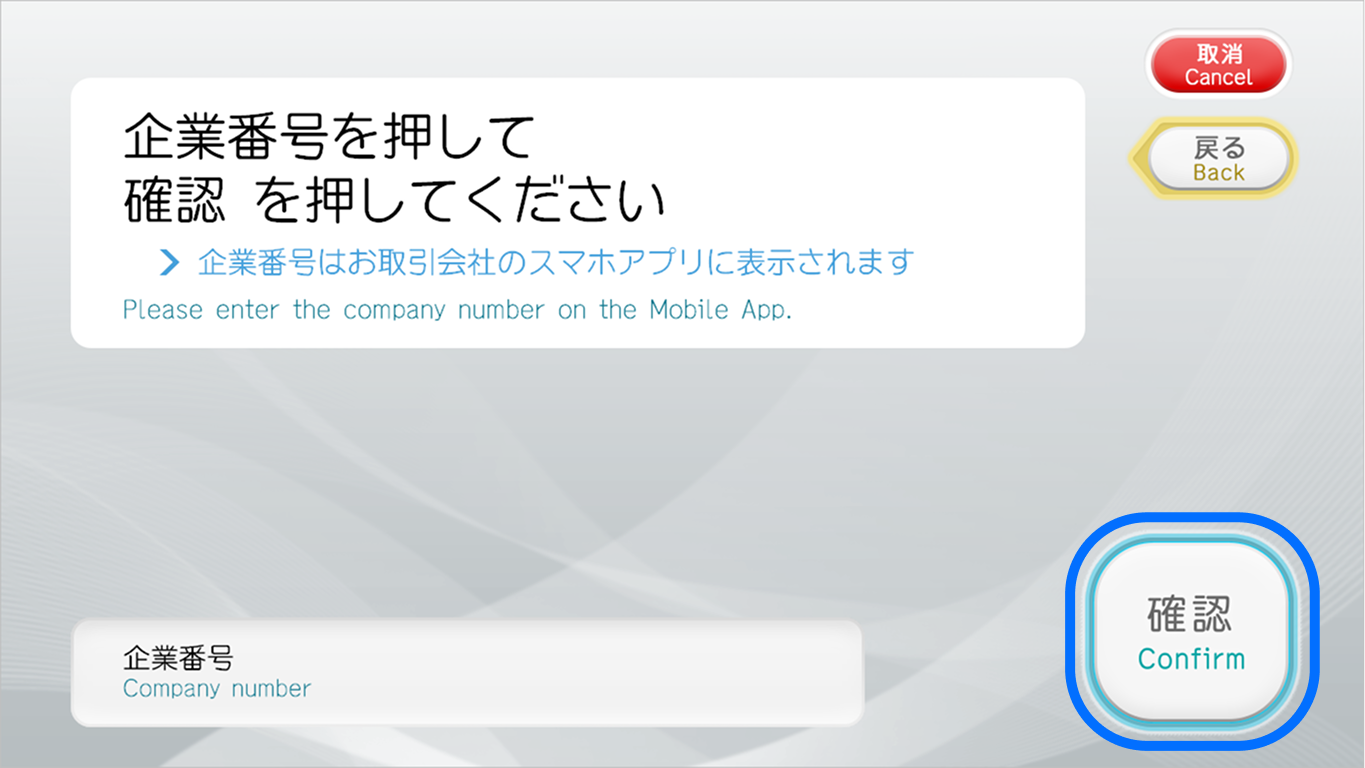
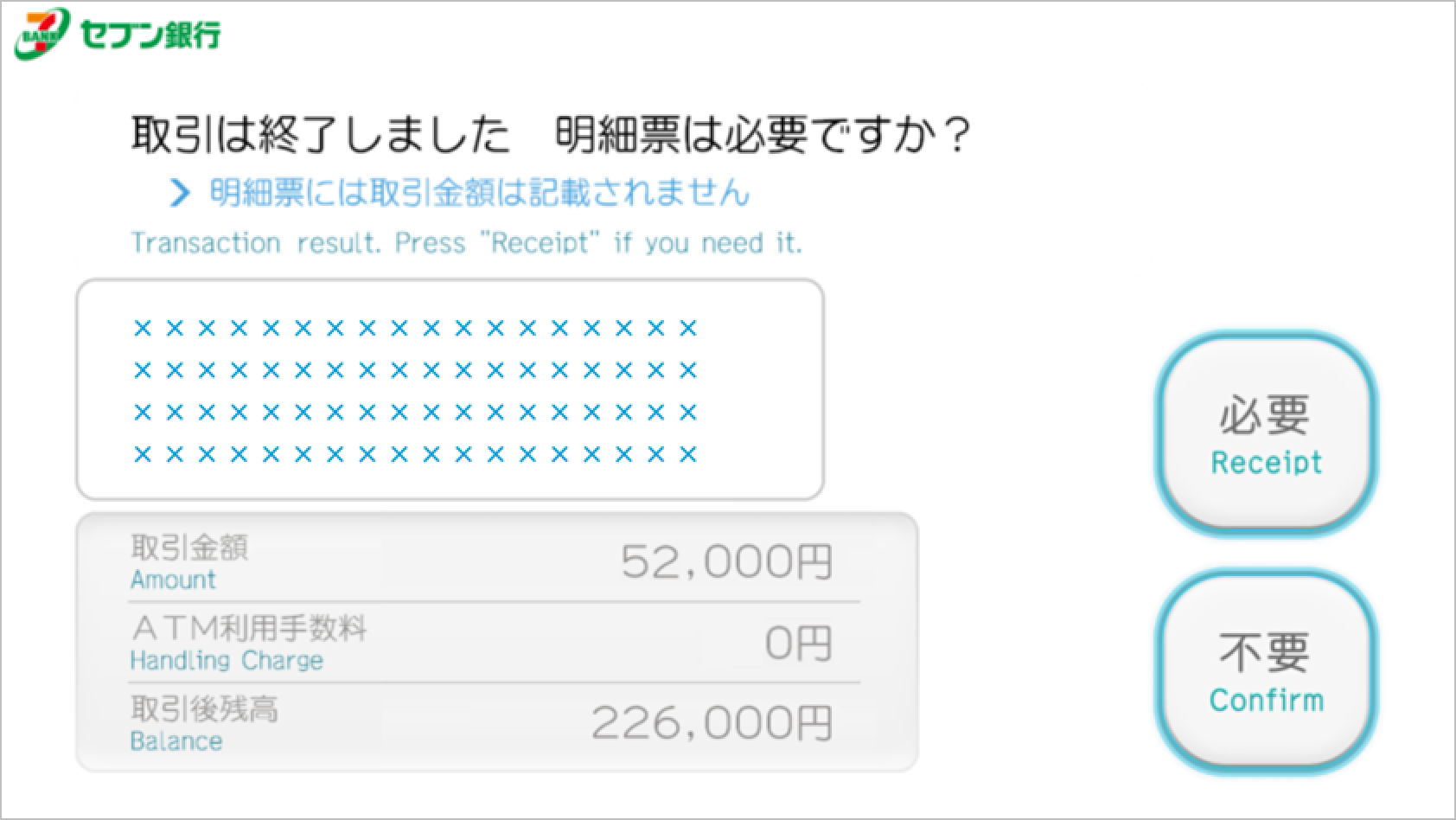
SEVEN BANK - QR Step. 1 Confirm ATM location Step. 2 Select "Deposit/Withdrawal Money transfers" on the ATM Step. 3 Select "Scan QR Code using smartphone" Step. 4 Scan QR Code Step. 5 Enter Company number(企業番号) and select "Confirm" Step. 6 Confirm withdrawal information and select "Confirm" Step. 7 Enter PIN(暗証番号) Step. 8 Confirm amount and select "Confirm" Step. 9 Select whether to print the statement Step. 10 Collect the cash